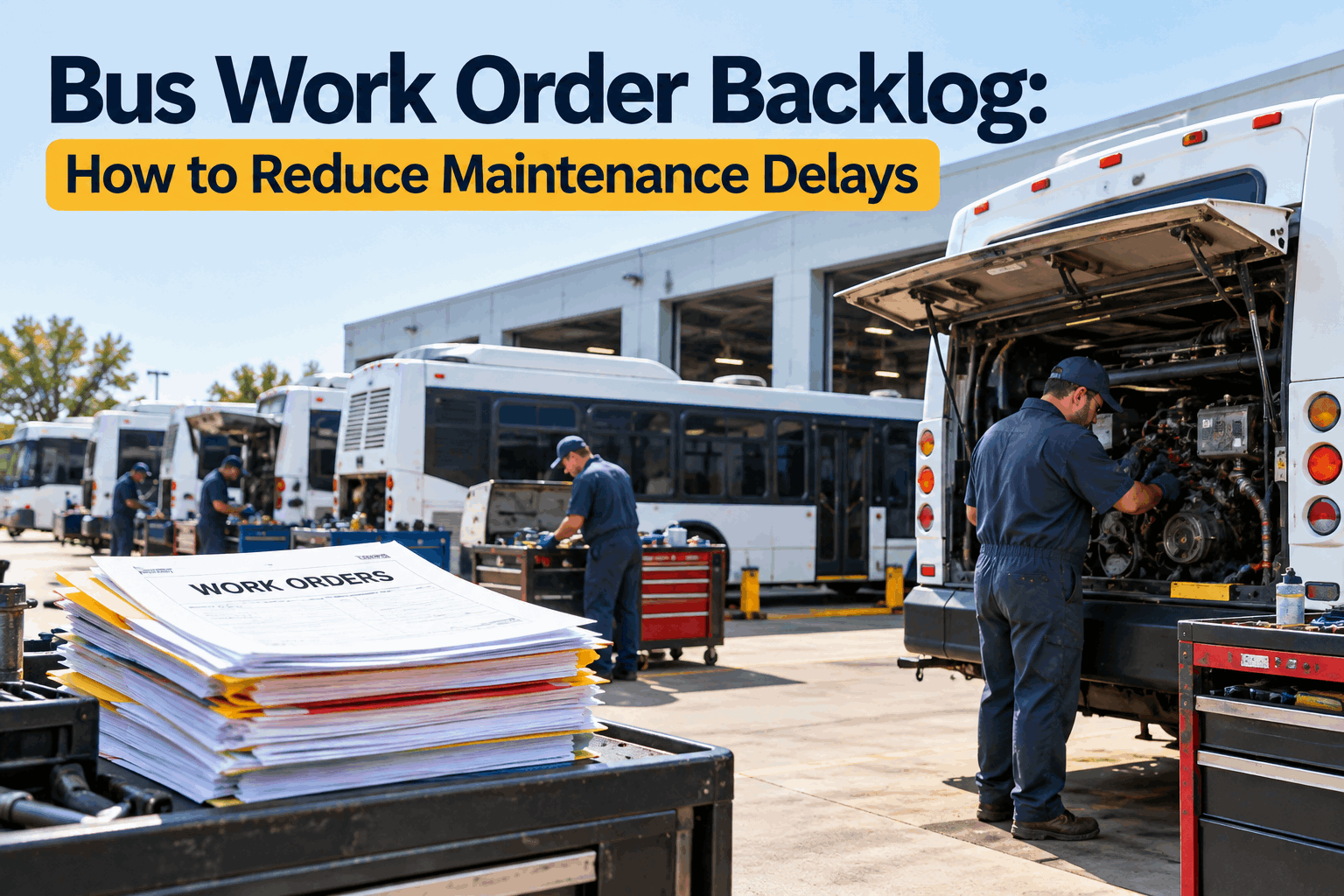
Open work orders started at a couple dozen. Now the list is past a hundred, the oldest ones are weeks deep, and every morning brings more than the shop can close. A bus work order backlog doesn't blow up overnight — it creeps, because work comes in a little faster than it goes out, day after day. The way out isn't heroics; it's seeing the whole queue, ranking it, and closing work orders faster than they open until the pile shrinks.
Bus Work Order Backlog: How to Reduce Maintenance Delays
A backlog is just work coming in faster than it goes out. See the whole queue, rank it by what matters, and close orders faster than they open — until the pile is under control and stays there.
Why a Work Order Backlog Grows
A bus work order backlog is a flow problem before it's a pile problem. Think of it like a tub: work orders pour in from inspections, breakdowns, and PMs, and the shop drains them by completing repairs. As long as the drain keeps up with the tap, the level stays flat. Let intake run even slightly ahead of throughput — five more orders a week than you close — and the level rises quietly until one day you're standing in it.
Intake Outpaces Throughput
More work orders open each week than the shop can close — from an aging fleet, a tech shortage, or a rough season. Even a small weekly gap compounds into a big backlog over a couple of months.
Waiting on Parts
Work orders open but stall because the part isn't there, sitting in limbo for days or weeks. A backlog full of parts-hold orders looks like a shop problem but is really a supply-timing one.
Lost & Duplicate Orders
Paper slips and verbal call-ins mean some work never gets a work order and some gets two. The backlog is both bloated with duplicates and hiding real work nobody logged.
No Aging Visibility
Without seeing how old each order is, the newest, loudest jobs get worked while genuinely urgent ones age in the middle of the list. The queue works by volume, not by priority.
The reason a backlog feels so hard to beat is that all four of these compound. Intake creeps ahead, parts-holds clog the middle, duplicates inflate the count, and no aging view means you can't even tell which orders are the real problem. It's why fleets stuck in reactive firefighting mode never seem to catch up — a dynamic our piece on escaping emergency-mode maintenance digs into. The first step out isn't working harder; it's making the whole queue visible so you can see what you're actually dealing with. Book a demo to see your full work-order queue with aging on one screen.
Make the Backlog Visible — and Categorize It
You can't drive down a backlog you can't see. The first real move is turning a vague sense of "we're behind" into a concrete, sorted list: every open work order with its age, priority, type, and status. Once the pile is categorized, it stops being one overwhelming blob and becomes a set of manageable buckets — and it usually turns out to be smaller and more workable than it felt.
By Age
How long each order has been open. The oldest orders are where a small problem quietly became a big one — and where a bus may be sitting waiting. Aging is the single most useful lens on a backlog.
By Priority
Safety-critical and compliance work versus routine. This is what tells you the order of attack — a brake job outranks a seat repair no matter which opened first.
By Type
Repair, PM, inspection defect, or campaign. Grouping by type reveals patterns — a wave of the same repair points to a fleet-wide issue worth fixing at the source.
By Status
Open, in progress, waiting on parts, or waiting on approval. This separates work the shop can actually do right now from work that's blocked — two very different problems.
Status categorization pays off fastest, because it splits the backlog into work you can act on and work that's stuck. A queue that looks like eighty overwhelming orders might really be forty the shop can start today and forty parked on parts — and those parts-holds aren't a shop-capacity problem at all, they're a procurement one. Seeing that split changes what you do next: you push throughput on the actionable half and chase parts on the other, instead of treating the whole eighty as one undifferentiated mountain. Getting every defect turned into a proper, categorized work order in the first place is where many fleets leak, which our look at where DVIR-to-repair breaks down covers. Sign up free and sort your open work orders by age and priority.
Prioritize, Then Drive the Backlog Down
With the queue visible and sorted, driving it down is a sequence: protect safety first, then attack throughput and intake at the same time so the drain finally beats the tap. Four moves do most of the work.
Safety and Compliance First
Work the safety-critical and compliance-driven orders ahead of everything, regardless of age. A backlog is never an excuse to defer a brake, steering, or lift repair — those come off the top no matter what.
Clear the Parts-Hold Cluster
Chase the orders stalled on parts as a batch — expedite, substitute, or reorder. These often make up a big slice of the backlog and clear fast once the parts land, giving you quick visible wins.
Boost Throughput Temporarily
Add capacity to close faster than you open — a focused overtime push, a weekend catch-up, or outsourcing a batch of routine jobs. The pile only shrinks when closed-per-week beats opened-per-week.
Kill Duplicates and Dead Orders
Merge duplicate work orders and close ones already resolved or no longer valid. Part of most backlogs is phantom — cleaning it out shrinks the real number and clears the view.
The key mental shift is that a backlog only falls when throughput exceeds intake — so you attack both ends. On the throughput side, a temporary capacity push closes more per week; on the intake side, killing duplicates and catching PM issues before they become emergency repairs reduces what comes in. Do only one and you'll tread water. The parts-hold cluster is usually the fastest win because those orders aren't waiting on labor at all — the moment the part arrives, they close, so a focused parts push can drop the count noticeably in days. Track closed-per-week against opened-per-week and you'll see the exact moment the pile turns the corner. Book a walkthrough to see throughput-vs-intake tracked on your backlog.
Keep It Controlled So It Doesn't Rebuild
Clearing the backlog once is a project; keeping it clear is the real win. If you drive it down and go back to the same intake-beats-throughput imbalance, it just refills. Staying in control means watching the flow and closing the leaks that let it grow in the first place.
The last row is the quiet lever most fleets underuse: the biggest source of backlog intake is often preventable breakdowns, and strong preventive maintenance is what shrinks that inflow. Every failure you catch as a planned PM instead of an emergency repair is a work order that never floods the queue at its worst moment. So the durable fix for a backlog isn't just faster closing — it's fewer orders opening, which comes from staying ahead on PM. Our guide to PM optimization that reduces downtime covers that inflow-reduction side. Sign up free and start tracking your intake-versus-throughput trend.
How BusCMMS Controls the Work Order Backlog
A backlog is unmanageable when work orders live on paper, in inboxes, and in people's heads. BusCMMS puts every order in one queue with the age, priority, and status data that makes a backlog drivable — and the trend tracking that tells you whether you're winning. The features below turn the pile into a process.
-
One Work-Order Queue
Every open order in a single sortable list — no paper slips, no lost jobs, no duplicates hiding in inboxes. The whole backlog, finally in one place.
-
Aging & Priority Sorting
Sort by how long each order has been open and by priority, so the oldest and most urgent work rises to the top instead of aging in the middle.
-
Throughput vs Intake Tracking
See closed-per-week against opened-per-week, so you know whether the backlog is shrinking or growing — and catch it turning the wrong way early.
-
Parts-Hold Flags
Orders stalled on parts are flagged separately, so you can chase the procurement cluster as a batch instead of mistaking it for a shop-capacity problem.
-
Auto-Generated Orders
Failed inspections and due PMs create work orders automatically — nothing gets lost or double-logged, so the backlog reflects real work, not paperwork chaos.
-
PM to Cut Intake
Strong preventive maintenance scheduling reduces the emergency repairs that flood intake — the durable way to keep the backlog from rebuilding.
The through-line is that a backlog is a data problem wearing a labor problem's clothes. It feels like you need more hours in the shop, and sometimes you do — but just as often the win is seeing that half the queue is parts-holds, or that duplicates inflated the count, or that the average age is climbing weeks before the total does. Put every order in one queue with aging and status, track closed against opened, and the backlog stops being a vague dread and becomes a number you can watch fall. That visibility is most of the battle.
The Maintenance Manager's View
That's the arc in one voice: a pile that felt hopeless turned out to be half parts-holds and duplicates, and once the real queue was visible and throughput beat intake, the backlog broke. The work didn't change — the visibility did.
The Bottom Line on the Bus Work Order Backlog
A bus work order backlog is a flow problem: work comes in faster than it goes out, and the gap piles up quietly until it feels unbeatable. The way through is not heroics — it's visibility and sequence. Make the whole queue visible and categorize it by age, priority, type, and status; work safety and compliance first; clear the parts-hold cluster as a batch; push throughput temporarily and kill duplicates so closed-per-week finally beats opened-per-week; then keep it controlled by watching the trend and using strong PM to cut the intake at its source. Do that, and a backlog stops being a source of dread and becomes a number on a dashboard you can watch fall — and keep down. The pile was never the real problem; not being able to see and sequence it was. Book a walkthrough to see work-order backlog control on a fleet like yours.







