You just added a depot — through an acquisition, a new contract, or simple growth — and now you own a maintenance program that doesn't match your own. Different PM intervals. Different spreadsheets, or none at all. A parts room nobody at corporate has visibility into. The buses are running. The records aren't talking to each other. See how fast depots get onboarded onto one system in a live demo.
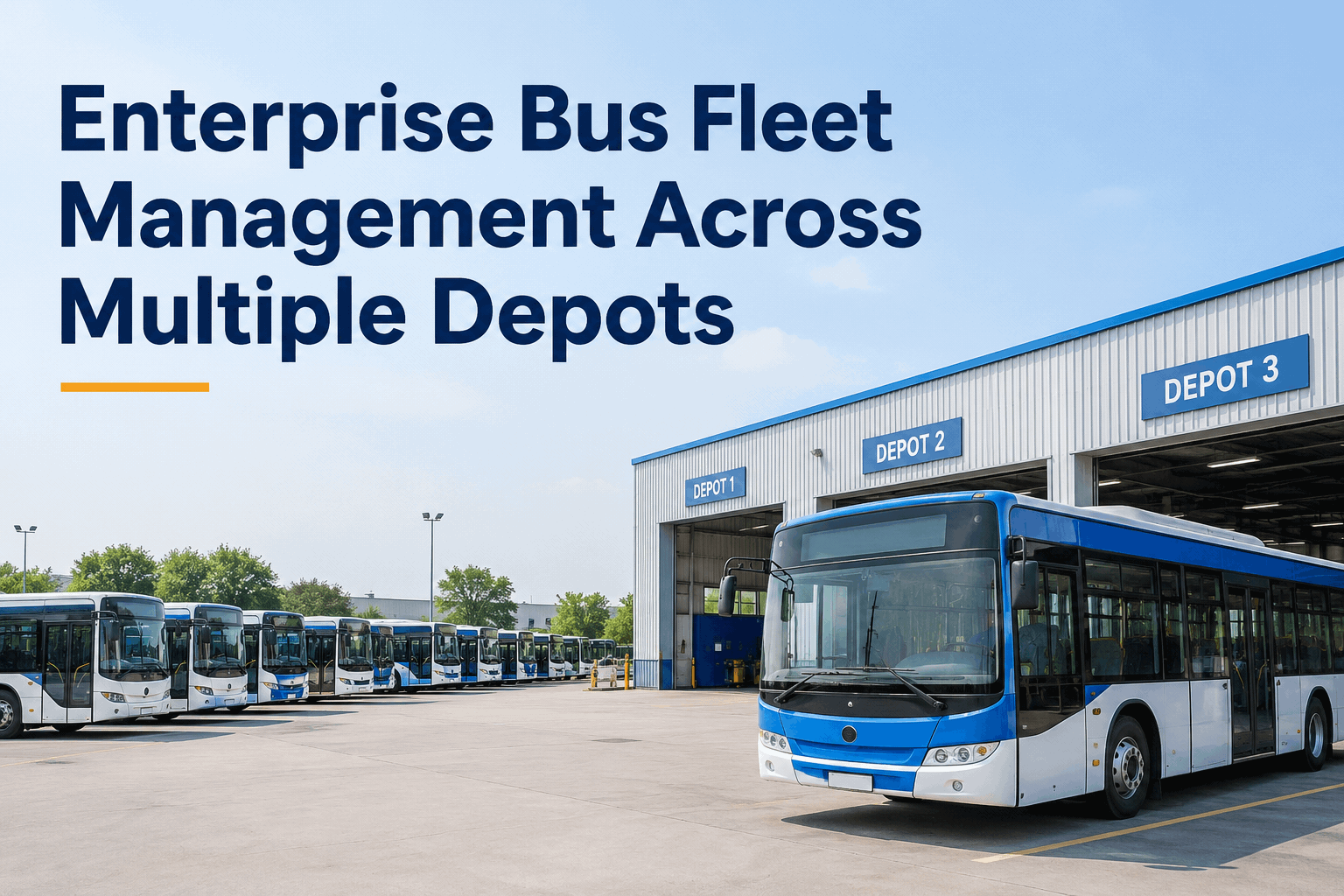
Enterprise Bus Fleet Management Across Multiple Depots
Manage bus maintenance across multiple depots with standardized inspections, centralized asset records, work orders, and maintenance reporting using BusCMMS — especially the moment a new depot joins your operation and has to get there fast.
What Breaks When a New Depot Joins Your Operation
Growth through acquisition or a new contract rarely comes with matching maintenance practices. Four gaps show up almost every time.
Mismatched PM Intervals
The new depot's oil-change interval doesn't match yours. Nobody's sure which standard is right, so both run until someone notices.
Invisible Asset Records
The new depot's maintenance history lives in a different system, a binder, or a departing manager's memory — not in anything corporate can see.
Disconnected Parts Rooms
No shared visibility into what the new depot has in stock, so corporate can't balance inventory or catch a stockout before it stalls a repair.
No Compliance Baseline
Corporate can't certify the new depot's fleet is compliant on day one, because there's no shared record to check it against.
Visibility Before vs. After Onboarding
Before Onboarding
- Corporate sees headline fleet size, not depot-level detail
- Each depot's PM schedule lives in its own system or none at all
- A compliance audit means calling every depot manager individually
- Parts transfers between locations take phone calls and guesswork
After Onboarding
- Corporate sees cost, compliance, and PM status by bus, depot, and fleet-wide
- Every depot runs the same standardized PM templates automatically
- A compliance report pulls in minutes, for one depot or all of them
- Parts visibility is shared, so transfers happen on data, not phone calls
The 30-Day Depot Onboarding Timeline
Bringing a new depot onto one standard doesn't have to mean disrupting the buses already running. A structured rollout gets there in weeks, not quarters.
Import Assets & Existing Records
Vehicles, parts inventory, and whatever maintenance history exists get loaded into the shared system as a starting baseline.
Apply Standardized PM Templates
The new depot's buses are mapped onto your corporate PM intervals, reconciling any conflicting schedules the old system was running.
Set Depot-Level Access & Roles
The local team gets a dashboard scoped to their depot. Corporate gets the fleet-wide rollup. Nobody's buried in data that isn't theirs.
Run the First Cross-Depot Compliance Report
The new depot shows up in the same report as every other location — the moment it stops being the depot corporate can't see.
Sign up free and start importing your next depot's assets today.
Checklist: Is Your Enterprise Fleet Ready to Absorb a New Depot?
Three or more "no" answers means the next depot you add will take months to fully standardize instead of weeks.
Expert Review: Ad-Hoc Consolidation vs. a Structured Onboarding Process
Most enterprise fleets don't fail at running multiple depots — they fail at absorbing the next one quickly and cleanly.
Ad-Hoc Consolidation
- Each new depot gets folded in differently, depending on who handles it
- Months pass before corporate has full visibility into the new location
- Old records get manually re-keyed, or quietly never make it in at all
- PM mismatches get discovered by accident, often after a missed service
Structured Onboarding
- A repeatable process brings every new depot in the same way
- Corporate visibility starts in week one, not after a quiet scramble
- Existing asset and parts records import instead of getting re-keyed
- PM intervals get reconciled deliberately, before any service is missed
Book a demo to see this onboarding process run on your next depot.
The Bottom Line
Growing to a new depot shouldn't mean losing months of visibility while records catch up. Enterprise fleets that standardize onboarding — one PM template set, one import process, one compliance report that already includes the new location — absorb growth without absorbing chaos. The fleets still doing it ad-hoc aren't behind because they're big. They're behind because every new depot starts from zero.