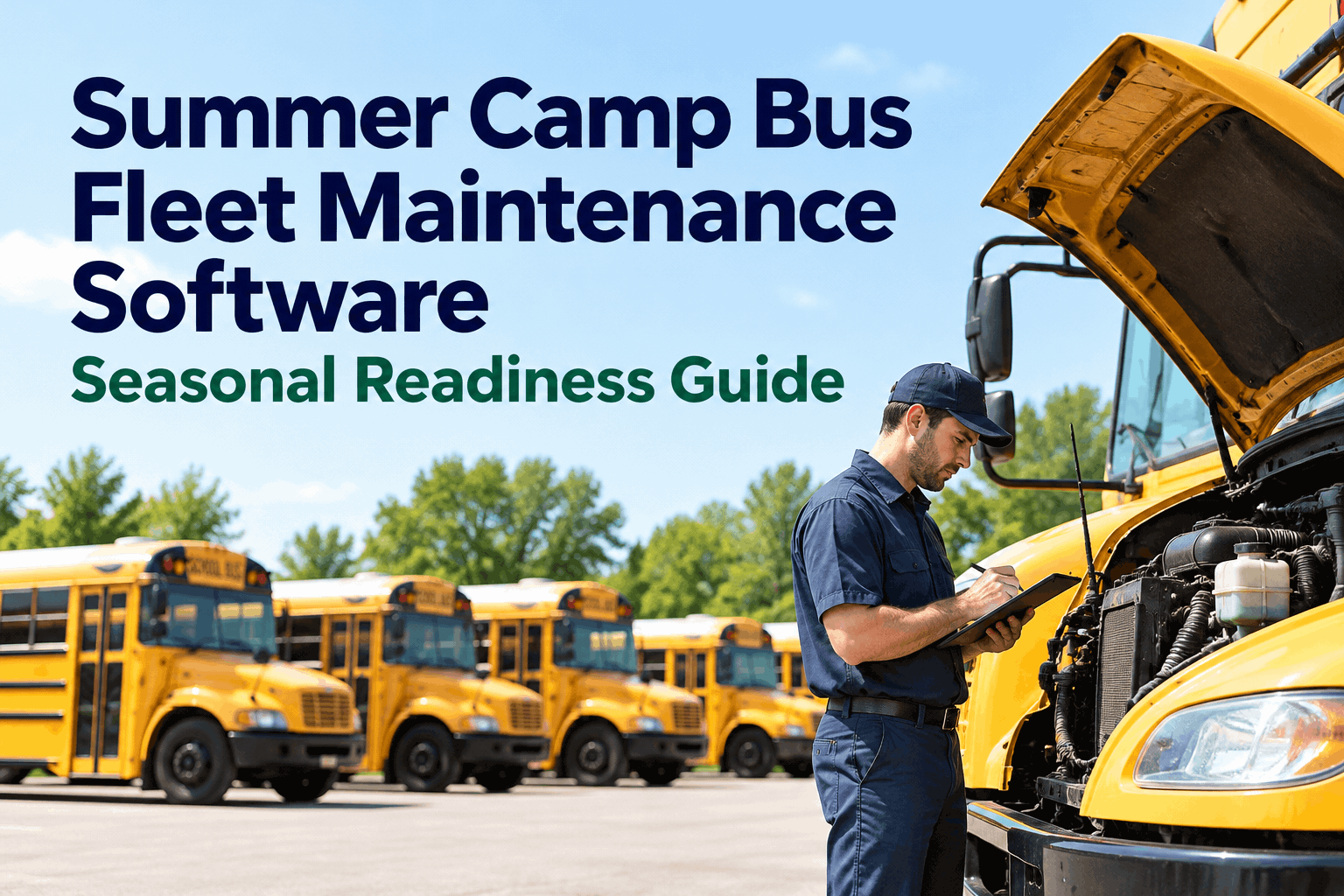
On opening day, 300 campers are arriving by noon and half your buses have not turned a wheel since last August. A fleet that sleeps for most of the year has to wake up all at once, on a deadline it cannot move — which is exactly the problem summer camp bus fleet maintenance software is built to solve. You can see how it works in a short demo.
FLEET MAINTENANCE · SEASONAL & CAMP 2026
Summer Camp Bus Fleet Maintenance Software: Seasonal Readiness Guide
A camp fleet runs hard for a few months, then sits idle for the rest of the year — and sitting is its own kind of damage. Here is how purpose-built software turns the scramble to wake the fleet into a planned, documented, on-time readiness project.
THE CAMP FLEET YEAR — AND THE DEADLINE THAT DOESN'T MOVE
~9 monthsmost camp buses sit idle — and idle time is its own wear
1 deadlineopening day does not move, so the whole fleet has to be ready at once
2–4 wkstypical BusCMMS rollout — set up before your recommissioning sprint
Why Waking the Fleet Is Harder Than Running It
A bus that runs every day tells you when something is wrong. A bus that sits for months says nothing — until you turn the key on the morning campers arrive. Idle time quietly works against every system on the vehicle, so the real challenge of a seasonal fleet is not the running season, it is the cold start after the long sleep.
Sitting is its own damage
Batteries discharge, tires develop flat spots, fuel goes stale, brakes rust and seize, seals dry out, and rodents find the wiring. None of it shows until you try to roll.
The deadline does not move
Opening day is fixed. Every bus has to be inspected, fixed and road-ready at once, with no runway to discover a dead fleet the week campers arrive.
The knowledge left in the fall
Seasonal and volunteer crews turn over, so whatever was noted last August is often gone by spring. The fleet needs a record, not someone's recollection.
Turning the key on day one and hoping is not a plan — a stored fleet has to be recommissioned, not just restarted.
What Months of Storage Do to an Idle Bus
Every system that likes to be used suffers from sitting. Knowing exactly what storage attacks tells you what your recommissioning inspection has to catch before a single camper boards.
WHERE A STORED BUS QUIETLY DEGRADES
A recommissioning inspection is a checklist aimed squarely at these failure points, run on every bus before it returns to service. You can create a free account and load your recommissioning checklist in an afternoon.
Work Backward From Opening Day
Because the deadline is fixed, the only variable you control is when you start. A fleet recommissioned eight weeks out climbs steadily to full readiness with time to spare. The same fleet started two weeks out is a photo finish, and every surprise repair — a part on back order, a brake job you did not expect — eats a day you do not have. You can book a demo to see the countdown planned out.
FLEET READINESS, COUNTING DOWN TO OPENING DAY
Schedule the recommissioning backward from opening day and the week-of becomes a final check, not a frantic hunt for a fleet that will not start.
The Summer Camp Bus Recommissioning Checklist
This is the inspection that wakes a stored bus safely. Run it on every vehicle before it carries campers, and log it, so a bus is not just started but verified ready — and you can prove it.
Battery, charging & startingLoad-test or replace the battery, check the charging system, and confirm a clean cold start before anything else — the most common storage failure.
RECOMMISSION
Tires, brakes & wheelsInspect for flat spots and age cracking, set pressures, and free up and test brakes that may have rusted or seized while parked.
RECOMMISSION
Fuel, fluids & filtersCheck for stale fuel, top and refresh fluids, and change filters that sat all season — old fuel and tired fluids strand a bus fast.
CHECK
Belts, hoses, seals & rodentsLook for dried or cracked belts and hoses, perished seals, and any wiring or upholstery that rodents found over the winter.
INSPECT
Safety gear & recommission loggedLights, emergency exits, first-aid and extinguisher checked, and the whole recommissioning signed and dated — proof the bus was verified, not just assumed ready.
RECORD
Do the end-of-season layup well — stabilize fuel, tend the batteries, cover what you can — and next spring's wake-up is half the work.
What Summer Camp Bus Fleet Maintenance Software Should Do
The job is to turn a once-a-year wake-up into a planned, documented, on-time project, and to keep the record so next season starts from knowledge instead of guesswork. BusCMMS is built for buses from day one, so a seasonal camp fleet gets real maintenance discipline without a full-time shop behind it — you can start a free account and set up your season to try it.
Built-in recommissioning checklist
A pre-season inspection aimed at the things storage breaks, run on every bus and logged, so each vehicle is verified ready rather than assumed ready.
Scheduling backward from opening day
Plan the recommissioning on a timeline that ends before campers arrive, with reminders that keep the whole fleet moving toward ready with slack for surprises.
Readiness dashboard against the clock
See how many buses are camp-ready versus how many opening day needs, so you always know whether the fleet is on track or falling behind.
Records that carry to next season
Every inspection, repair and layup note saved, so when the seasonal crew turns over, the fleet's history stays put and next spring starts from a record.
95%+fleet availability BusCMMS reports across its bus-fleet customers
25–35%maintenance-cost reduction reported within 12 months
2–4 wkstypical rollout — set up before your recommissioning sprint begins
Availability, cost-reduction and rollout figures above are BusCMMS's own reported results from its customer data, not independently audited benchmarks.
A Camp Transportation Coordinator's Take
Key Takeaways on Summer Camp Bus Fleet Maintenance Software
Choosing summer camp bus fleet maintenance software comes down to one seasonal truth: a fleet that sleeps all year has to wake up all at once, on a deadline that will not move. Four things to carry into the decision.
01
Sitting is its own wear
Batteries, fuel, tires and brakes all degrade in storage — a stored bus is recommissioned, not just restarted.
02
Work backward from the deadline
Opening day is fixed, so start early — eight weeks of slack beats a two-week scramble.
03
Run a real recommissioning check
Aim the inspection at what storage breaks, on every bus, and log it — verified ready, not assumed.
04
Keep the record for next year
Seasonal crews turn over, so the fleet's history has to live in a system, not someone's memory.
Run your summer camp bus fleet maintenance software so the once-a-year wake-up is planned, documented and done early, and opening day stops being the scariest morning of your year. The quickest way to judge the fit is to see it set up for your season in a demo, or read the complete guide to what a bus CMMS does first. The camp is the magic — getting everyone there safely is the job.
FAQ
Summer Camp Bus Fleet Maintenance Software: Common Questions
What is summer camp bus fleet maintenance software?+
It is maintenance management software built for the particular rhythm of a seasonal camp fleet: buses that run hard for a few months, then sit idle for most of the year, then all have to be ready at once on opening day. Rather than treating maintenance as a year-round routine, it is organized around the seasonal cycle — a recommissioning inspection aimed at what storage degrades, scheduling that works backward from opening day, a readiness dashboard showing how many buses are camp-ready against the deadline, and records that carry from one season to the next. The goal is to turn the annual scramble to wake the fleet into a planned, documented project that finishes before campers arrive, so a bus is never discovered dead the morning it is needed.
What happens to a bus that sits unused for months?+
More than most people expect, and almost none of it is visible until you try to drive. Batteries slowly self-discharge and may not hold a charge or start the engine. Tires can develop flat spots from bearing the vehicle's weight in one position for months, and rubber ages. Fuel degrades and can varnish or gum up the system, especially over a long layup. Brakes can rust and seize, particularly drum brakes and parking brakes left applied. Seals and gaskets dry out, belts and hoses crack, and rodents frequently nest in engine bays and chew wiring or upholstery over the off-season. This is why a stored bus needs to be recommissioned rather than simply restarted — a proper wake-up inspection goes looking for each of these failure points before the bus carries anyone.
When should I start getting a camp fleet ready?+
Earlier than feels necessary, because the deadline cannot move and surprises are guaranteed. A good rule is to begin recommissioning several weeks before opening day — many camps work on roughly an eight-week runway for a full fleet — so there is slack to absorb the things that go wrong: a battery that needs replacing, a brake job you did not anticipate, or a part that turns out to be on back order. A fleet started two weeks out can technically make it, but it becomes a photo finish where a single back-ordered component can delay a bus past opening day. The value of software here is that it lets you schedule the work backward from the deadline and see, at any point, whether the fleet is on track or falling behind, so you can act while there is still time rather than discovering the gap the week campers arrive.
How is seasonal maintenance different from year-round maintenance?+
A year-round fleet is maintained continuously, so problems surface gradually and get fixed as they appear, and preventive maintenance is driven mostly by mileage. A seasonal camp fleet is the opposite: low total mileage but long idle periods, so the dominant form of wear is time and storage rather than use, and almost all of the risk is concentrated into two moments — the layup at the end of the season and the recommissioning at the start of the next. That changes what the software needs to do. Mileage-based scheduling alone misses storage damage, so you also need calendar and condition awareness, a dedicated recommissioning workflow, and strong record-keeping that bridges the long gap when the fleet, and often the crew, is dormant. It is less about daily throughput and more about getting two big transitions exactly right each year.
Can BusCMMS handle a small seasonal fleet with a limited crew?+
Yes, and that is exactly the situation it suits. A camp rarely has a full-time professional shop, so the tool has to give real maintenance discipline without assuming one. BusCMMS provides the recommissioning checklist, PM scheduling, work orders and records in a form a small or seasonal crew can run from a phone or tablet, and because the bus-specific logic is built in, there is no lengthy configuration before it is useful. The records persist through the off-season and the crew turnover that comes with seasonal work, so the camp starts each year from documented history rather than from whatever the last coordinator happened to remember. Most fleets are up and running within two to four weeks, which means you can have it in place before your recommissioning sprint, and start a free account to try it on your own buses first.