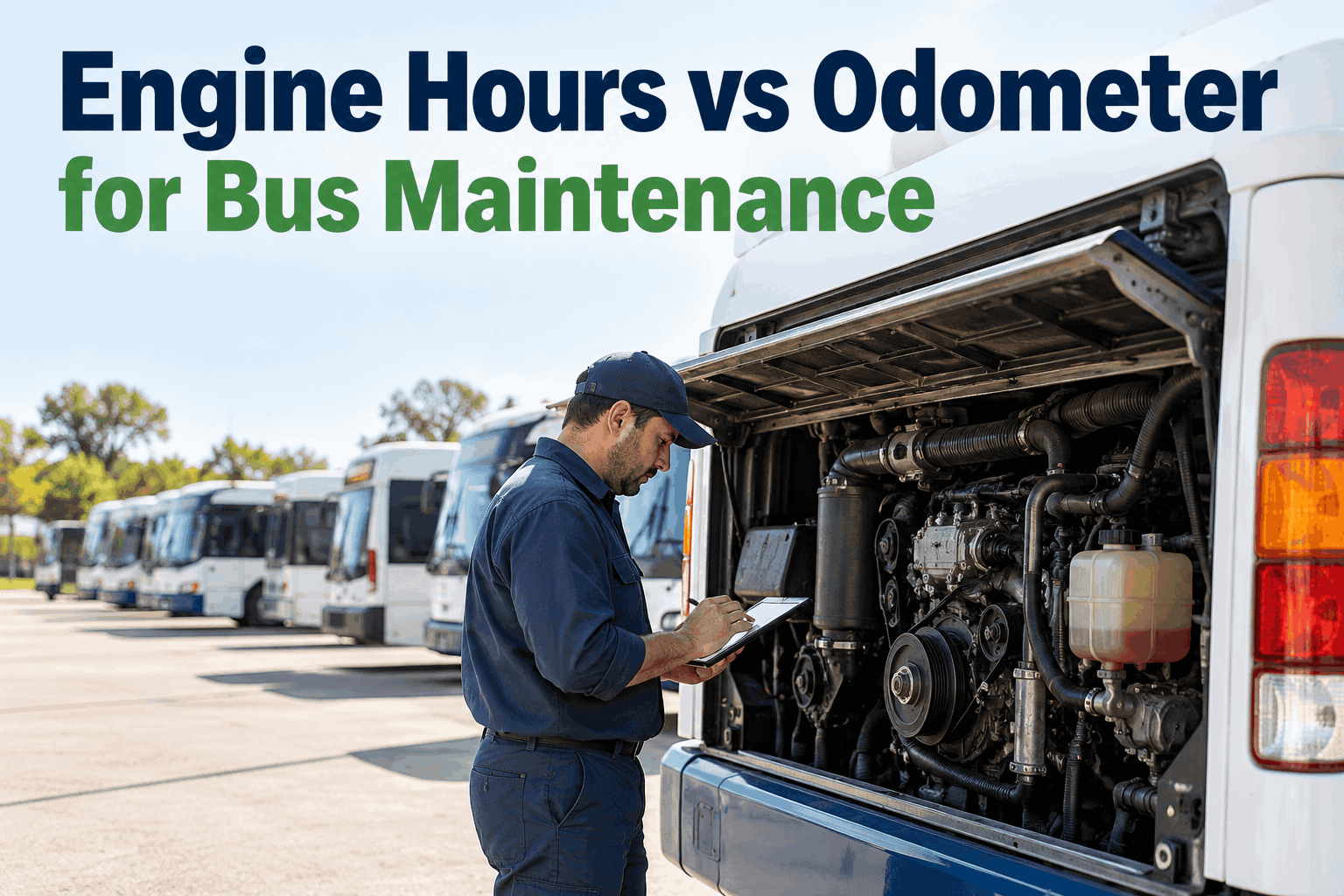
Two buses hit 42,000 miles the same week. One runs a flat highway route; the other idles through 30 school stops and warms up every cold morning. On the odometer they look identical, so they get the same PM — but one engine has done far more work. You can see how scheduling on engine hours catches that hidden wear.
Engine Hours vs Odometer: Which Should Trigger Your Bus PM?
The odometer counts distance. Engine hours count work. For a bus that idles, those two numbers drift apart fast — and the gap is wear your mileage-based PM never sees. Here is that gap, measured.
The Master Comparison: Which Trigger Wins, Item by Item
Engine hours vs odometer is not one answer for the whole bus — it is a different answer for each wear item. Distance-driven parts track miles; run-time-driven parts track hours. Here is the whole bus, broken down.
Swipe the table sideways on a phone to see every column.
Read down the "Best trigger" column and the answer is obvious: an engine runs on hours, a chassis runs on miles. Schedule each on its own clock and nothing gets missed. You can book a demo and set these triggers per service on your own buses.
Most fleets grew up tracking mileage, so mileage quietly became the clock for everything — oil included. On a highway coach that is fine. On an idle-heavy bus it is not and three cheap-to-service, expensive-to-skip items are the ones that fall behind first.
The fix is not more discipline from your techs — it is letting the schedule read the right clock for each item automatically. You can start a free account and load a few buses to watch where miles and hours diverge.
So Which Clock Should Lead Your Schedule?
The table settles it per part; your duty cycle settles which clock leads overall. You do not have to guess which bucket a bus falls in — telematics already reports both numbers, and the ratio of engine hours to miles tells you plainly how hard a bus idles.
Same fleet, two very different engines-per-mile. The higher the bar, the more the odometer is hiding — and the more hours should carry the schedule.
Lead with hours. School buses and transit buses sit running for warm-ups, stops, and layovers — hours climb far faster than miles, so hours should drive oil, coolant, and filters.
Lead with miles. Charter and coach buses cover steady distance with little idling, so mileage tracks their wear closely and should drive most of the schedule.
Use both, whichever comes first. Set an hours limit and a miles limit on every service and let each bus trip the one that fits its duty cycle — no single rule left to miss.
A few highway runs, a pile of stop-and-go routes, and a couple of activity buses that barely move but idle through every game. Force all of them onto one clock and half the fleet is serviced on the wrong one. Whichever-comes-first fixes that — without anyone remembering which bus is which. You can walk through it on a short demo with your own fleet pulled up.
What This Looks Like Running on Both Clocks
Knowing hours should lead an idle-heavy bus is one thing. Making every service fire on the right clock, across a hundred buses, without a tech hand-copying readings into a spreadsheet, is another. That is the part BusCMMS handles.
Both readings pulled automatically
Odometer and engine hours flow in from Samsara, Geotab, and other connected telematics — no clipboard, no manual entry, no reading that is three weeks stale by the time anyone looks.
Whichever-comes-first triggers
Set an hours limit and a miles limit on any PM service. The bus that idles all winter trips the hours limit first; the highway coach trips miles first. One rule covers both duty cycles.
Fuel-type-aware schedules
Diesel, CNG, and electric buses carry their own PM logic on one dashboard — so an electric bus is not stuck on a diesel oil-change clock it does not need.
Work orders open themselves
When a bus trips either limit, the work order is generated with the right parts and tasks already attached — the service lands before the wear does, not after a road call.
If you want to see your own buses split by duty cycle and scheduled on the right clock, the fastest path is to book a walkthrough on your fleet's numbers and watch the triggers fire against real readings.
"I learned this the hard way on an activity bus that only showed 11,000 miles a year but idled through every away game. We ran it on mileage and kept pulling clean-looking oil that was actually cooked. Once I started watching hours, that bus hit the shop on a real schedule and the surprise road calls stopped. Miles lie on a bus that sits and runs."
The Short Version to Take Back to the Shop
Engine hours measure run time; the odometer measures distance. On a bus that idles, hours climb while miles stall — and the engine wears on hours.
Hours win for the engine; miles win for the chassis. Oil, coolant, and filters age on hours; brakes, tires, and suspension age on distance.
Match the lead clock to the duty cycle. Idle-heavy transit and school buses lead on hours; highway coaches lead on miles; mixed fleets run both.
Let the software hold both limits. Whichever-comes-first triggers on live telematics data mean no bus slips through on the wrong clock.
Engine Hours vs Odometer: Common Questions
Should school bus preventive maintenance run on engine hours or mileage?
For the engine side of the schedule — oil, coolant, filters — lead with engine hours. School buses idle heavily for warm-ups, loading, and layovers, so hours pile up faster than miles and track real engine wear more closely. Keep brakes, tires, and suspension on mileage, since those wear with distance. The cleanest setup is both limits on every service, whichever comes first.
How many miles does one engine hour of idling equal?
A common shop rule of thumb puts one hour of idle time at roughly 25 to 30 miles of engine wear, because the engine keeps running, heating, and circulating oil while the odometer never moves. Treat it as a planning estimate, not a precise conversion — the real point is that idle hours add engine wear the odometer never records, which is exactly why hours belong in the schedule.
Does the odometer undercount wear on transit buses?
Yes, on the engine side. A transit bus crawling a dense urban route spends large stretches idling at stops and in traffic, so the engine accumulates run time the odometer never sees. Judge that bus on miles alone and you will service the engine late. Engine hours capture the time the engine actually ran, which is why idle-heavy transit fleets should lead their PM on hours.
Can BusCMMS trigger PM on both engine hours and mileage?
Yes. BusCMMS pulls both odometer and engine-hour readings from connected telematics like Samsara and Geotab, and lets you set an hours limit and a miles limit on any PM service so it fires on whichever comes first. An idle-heavy bus trips its hours limit; a highway coach trips miles first. It also keeps separate PM logic for diesel, CNG, and electric buses on one dashboard.
Where do engine-hour and odometer readings come from without manual entry?
From your telematics. Modern GPS and telematics units report both odometer and engine-hour data off the J1939 bus, and BusCMMS reads those values directly through pre-built connectors. That removes the clipboard step entirely — readings stay current instead of going stale in a spreadsheet, and PM triggers fire against live numbers rather than whatever a tech last wrote down.