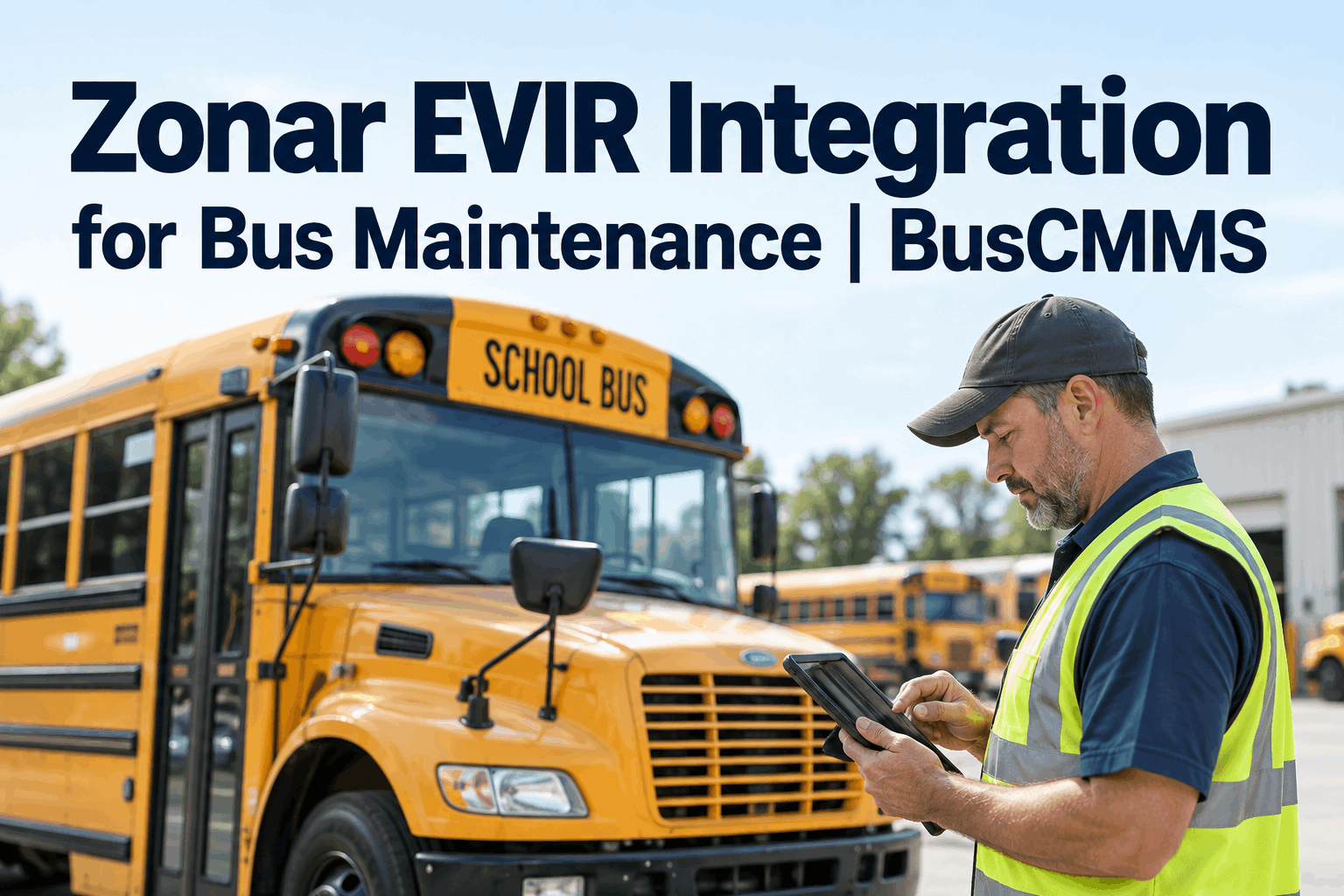
Zonar EVIR makes sure the pre-trip actually happens — every tagged zone scanned, no checkpoint skipped. But watch a flagged defect after the inspection ends: it lands in the Zonar dashboard and sits there. You can see how a Zonar EVIR integration turns that defect into a tracked repair.
Zonar EVIR Integration: From Verified Inspection to Closed Work Order
Zonar EVIR proves the inspection happened. It does not fix what the inspection found. A Zonar EVIR integration with BusCMMS closes that gap — every flagged defect becomes a work order, tracked to repair and sign-off, without anyone retyping it.
What Zonar EVIR Gives You — and What It Leaves Open
Zonar EVIR is strong at the thing it was built for: proving a real walkaround happened. The RFID-tagged zones mean a driver has to physically reach each checkpoint to scan it, so you get a verified inspection instead of a pencil-whipped paper sheet. What it does not do is own the repair that a defect demands.
What EVIR already handles
- Verified walkaround — every tagged zone scanned, nothing skipped
- Instant electronic inspection record, timestamped per driver
- Defects surfaced in the Zonar dashboard the moment they are flagged
- An audit trail aligned with DOT and PTASP inspection requirements
What it leaves on the table
- No work order — the defect is reported, not assigned to anyone
- No parts check, no labor estimate, no scheduled repair slot
- No closed loop — nothing confirms the fix actually happened
- Someone still retypes the defect into a separate maintenance system
That right-hand column is where good buses slip through. A defect that lives only in an inspection dashboard is a defect waiting to be forgotten — and on a bus, a forgotten defect is a safety and compliance problem, not just a paperwork one. You can start free and wire those defects straight into work orders.
Where the EVIR-to-Repair Handoff Breaks
When EVIR and your maintenance system do not talk, a person becomes the bridge — and people get busy. Here is where a flagged defect actually goes missing between the inspection and the repair.
The re-keying gap
A tech reads defects off the Zonar dashboard and types them into the maintenance system by hand. Miss one in a busy morning and it is simply gone — no record it was ever supposed to be fixed.
The priority gap
EVIR flags a defect but does not decide whether it grounds the bus or waits for the next PM. Without severity flowing into a work order, a safety-critical item can sit in the same undated pile as a loose trim panel.
The close-the-loop gap
Nothing ties the repair back to the inspection that triggered it. The next driver's EVIR shows the same defect, nobody is sure if it was fixed, and your audit trail has a hole right where it matters most.
None of this is a Zonar failing — EVIR did its job the moment it flagged the defect. The breakage is the manual handoff between two systems that were never wired together. A quick demo of the EVIR integration shows the same three gaps closed automatically on a live fleet.
What the Zonar EVIR Integration Actually Does
Connecting Zonar to BusCMMS is not a data dump — it is a working pipeline that takes each verified inspection and runs it all the way to a closed repair. Four things happen automatically.
Defects flow in, no re-keying
EVIR-flagged defects land in BusCMMS through a pre-built connector — the same way it reads Samsara or Geotab — so nobody retypes an inspection off a dashboard.
Work orders open themselves
Each defect becomes a work order automatically, with the failed inspection item, the bus, and the driver already attached — ready for the shop, not waiting on data entry.
Severity drives priority
A safety-critical defect can ground the bus and jump the queue; a minor one is logged and scheduled. The right item gets worked first instead of sitting in one undated pile.
The loop closes on record
When the repair is signed off, it ties back to the EVIR that triggered it — so the next inspection is clean and your audit trail runs inspection to fix without a gap.
Because the inspection, the work order, and the sign-off all live on one record, your DVIR and PTASP documentation builds itself as the work gets done. When an auditor asks to see a defect from report to repair, it is one click, not an afternoon of cross-referencing two systems — something worth seeing on your own fleet in a short walkthrough of the EVIR integration.
We had Zonar for two years before we fixed the real problem. The inspections were great — the follow-through was whatever my lead tech could remember to copy over. Once EVIR defects started opening work orders on their own, our repeat defects dropped and I stopped finding the same cracked mirror flagged three mornings in a row.
Zonar EVIR Integration: The Short Version
EVIR verifies, it does not repair
Zonar proves the walkaround happened. What the inspection finds still needs a system to drive it to a fix.
The gap is the handoff
Re-keying, no priority, and no closed loop are where flagged defects go missing between inspection and repair.
The integration auto-creates work orders
Each EVIR defect opens a BusCMMS work order with severity, parts, and the inspection attached — no retyping.
Your audit trail builds itself
Inspection to repair to sign-off on one record keeps DVIR and PTASP documentation clean and one click away.
A Zonar EVIR integration does not replace your inspections — it finally does something with them. Keep the verified walkaround you trust, and let every defect it catches turn into a repair you can prove. That is the whole point: fewer forgotten defects, cleaner audits, and buses that get fixed on what the inspection actually found. You can start free and connect your Zonar EVIR defects to see it on your own fleet.
Zonar EVIR Integration: Common Questions
What is Zonar EVIR and how does the integration with BusCMMS work?
Zonar EVIR (Electronic Vehicle Inspection Report) is a verified digital inspection system: drivers scan RFID or NFC tags placed at inspection zones on the bus, so each checkpoint has to be physically reached and recorded instead of signed off on paper. The BusCMMS integration reads the defects EVIR flags through a pre-built connector and automatically opens a work order for each one — with the failed item, bus, and driver attached — so the inspection flows straight to a tracked repair.
Do EVIR defects really turn into work orders automatically?
Yes. Once Zonar is connected, a flagged defect does not just sit in the Zonar dashboard waiting to be re-keyed. BusCMMS creates the work order on its own, carries the defect's severity so a safety-critical item can ground the bus and jump the queue, and attaches the originating inspection. Your shop sees a ready-to-work order instead of a report someone still has to transcribe.
Does connecting Zonar replace my EVIR inspections?
No — you keep Zonar EVIR exactly as it is. The verified walkaround, the tagged zones, and the inspection records stay in Zonar where your drivers already use them. The integration only adds what EVIR does not do on its own: turning each flagged defect into a managed repair inside BusCMMS and closing the loop back to the inspection when the fix is signed off.
How does the integration help with DVIR and PTASP compliance?
Because the inspection, the work order, and the sign-off all live on one record, your defect trail runs from report to repair without a gap. When an auditor asks to see how a flagged defect was handled, you pull one linked record instead of cross-referencing Zonar and a separate maintenance log. That makes DVIR documentation and PTASP reporting far easier to defend, and it closes the common audit hole where a repair cannot be tied back to the inspection that triggered it.
How long does it take to set up the Zonar EVIR integration?
BusCMMS is built for bus fleets and ships with the inspection and work-order logic ready on day one, so most fleets are live in two to four weeks rather than the months a generic platform needs for custom setup. The Zonar connection uses a pre-built connector, so you are mapping defects to work orders, not building an integration from scratch. The fastest way to see it on your own buses is to book a short demo or start a free account.