Your mixed yard runs several makes, and every one speaks a slightly different language to your telematics box — one dongle reads engine faults, another just hands you GPS dots. Bus telematics standards decide whether that data reaches your shop as a work order or piles up in four systems that don't talk. Here's what to get right, and how to wire it into one place in a demo.
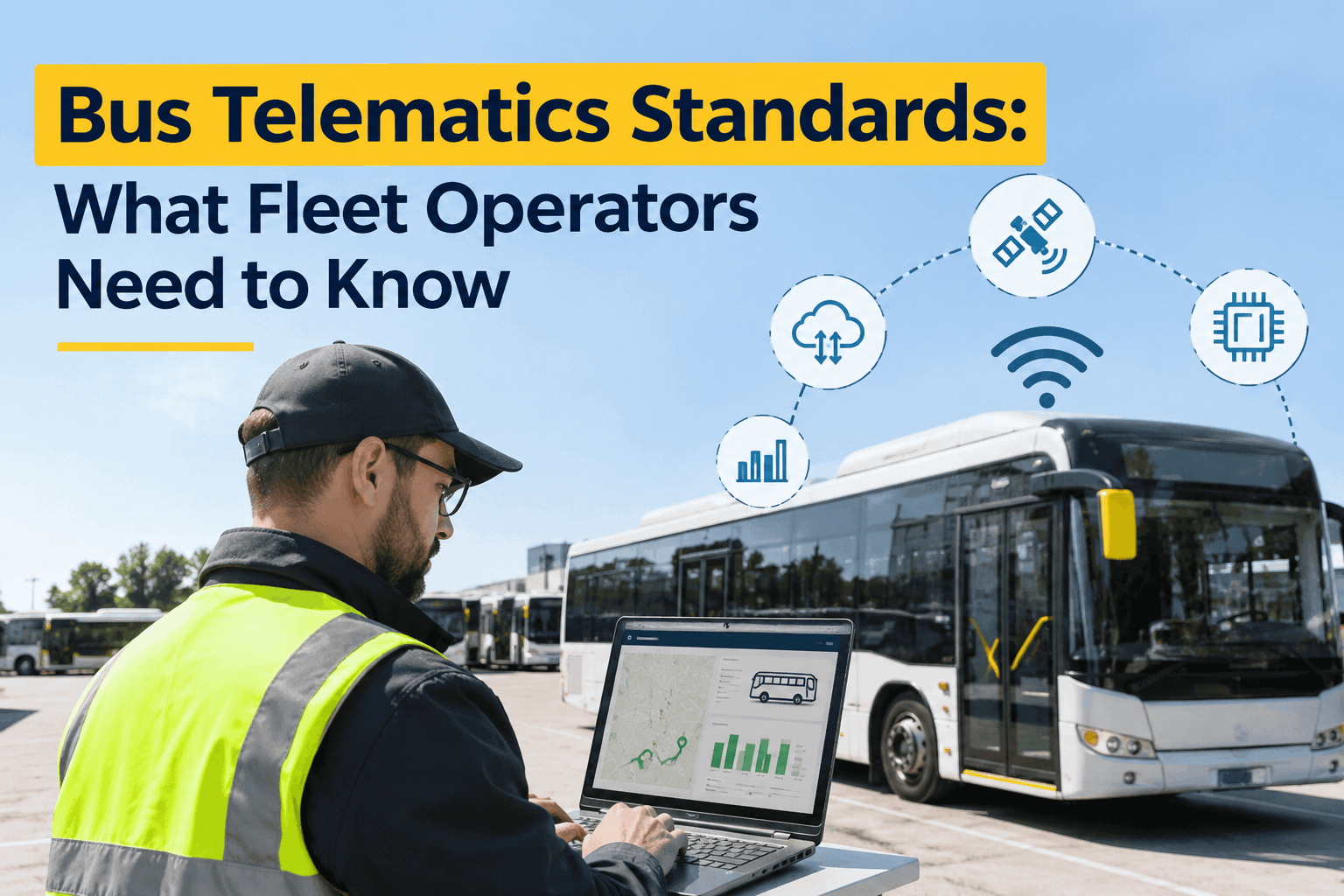
Bus Telematics Standards: What Fleet Operators Need to Know
From J1939 on the vehicle to open interoperability standards above it — the data layers that decide whether your telematics turns into maintenance action, for school, transit, and charter fleets.
Why Standards Matter More Than the Device
Managers shop for a telematics box on features and price. What actually decides the payoff is quieter — which bus telematics standards it speaks, and whether that data reaches the systems you already run.
Four systems that don't talk
Each vendor's box is its own island. A DEF fault on one make never reaches your shop board — you find out when the bus derates on a route.
One system, every bus
Standardized data lands in one place, so a fault code becomes a work order and mileage triggers the next PM — on any make in the yard.
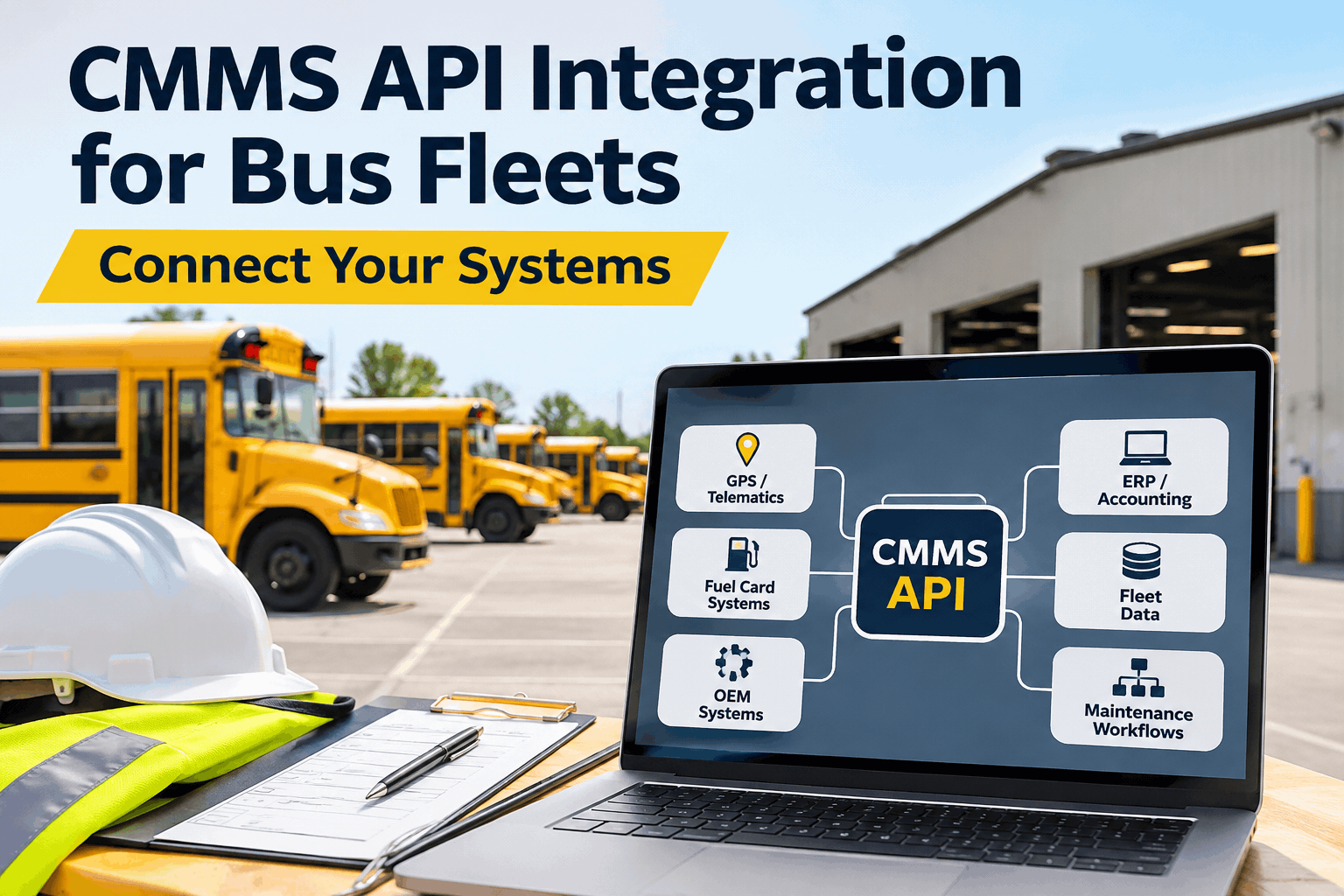
A box that collects everything and shares nothing just adds a fifth silo. Standardized interfaces exist so you can run multiple OEM makes as one operation — see one dashboard pull a mixed fleet together.
The Bus Telematics Standards That Actually Matter
There's an alphabet soup of standards in this space. Here are the ones that shape what your fleet can do — what each governs, and why it matters to a U.S. bus operator.
| Standard | What it governs | Why it matters to your fleet |
|---|---|---|
| SAE J1939 | The data language on the heavy-duty CAN bus — engine, aftertreatment, DEF, transmission, fault codes | The core standard your diesel and CNG buses speak; it's what makes fault codes readable and actionable |
| OBD-II | Onboard diagnostics for light- and medium-duty vehicles | Right for lighter shuttles and vans, but it misses the heavy-duty parameters that live only on J1939 |
| FMS (Fleet Management Standard) | A standardized OEM data interface for mixed fleets | Lets you pull comparable data across different bus makes without a custom build for each one |
| ITxPT | Interoperability between public-transport IT systems — AVL, passenger counting, ticketing | Open interfaces so transit tech from different vendors works together; European-origin, now spreading globally |
| CEN/TS 13149 | The public-transport vehicle data bus used across European transit networks | Useful context if you operate internationally sourced buses or evaluate global platforms |
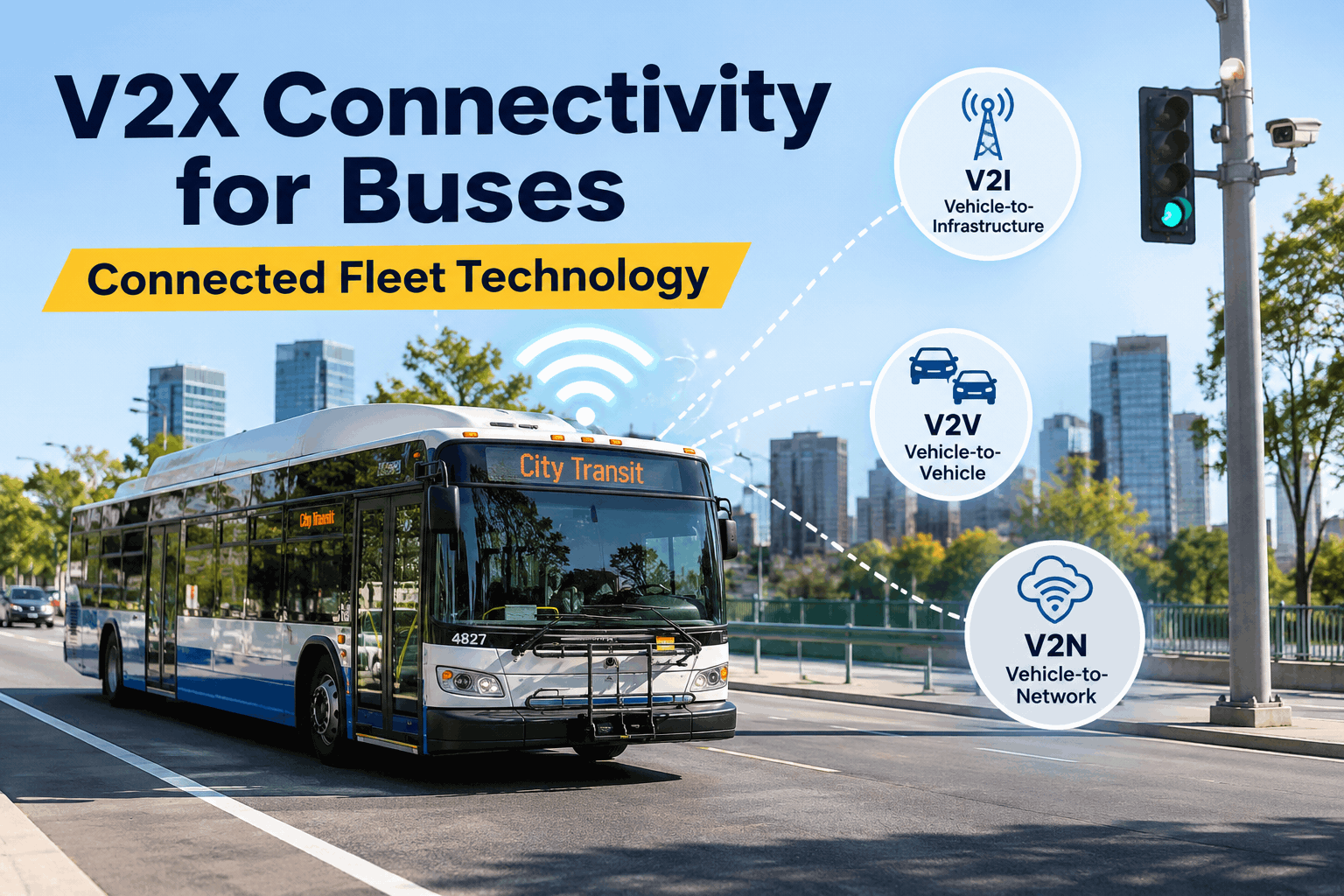
For a U.S. fleet, J1939 and OBD-II are the two you touch daily. FMS, ITxPT, and CEN 13149 sit a level up — interoperability frameworks (the latter two European in origin), not U.S. mandates — but they point the whole industry toward data you own and can move between systems.
Right Protocol, Right Vehicle Class
Here's the mistake that quietly costs fleets: assuming one dongle fits every vehicle. A device that connects isn't the same as a device that sees — put the wrong protocol on a heavy bus and it misses exactly the parameters that predict an expensive failure.
Transit & full-size school buses
Class 6–8 diesel and CNG buses use SAE J1939 on the 9-pin diagnostic port. That's where engine health, aftertreatment, DEF level, transmission, and the fault codes worth acting on actually live.
Use: J1939 device on the 9-pin portShuttles, vans & small buses
Lighter Class 1–5 vehicles typically use OBD-II. It's fine for basic diagnostics and location — just confirm it actually exposes the data you need before you standardize on it fleet-wide.
Use: OBD-II, verified for your parametersIn a mixed fleet you'll run both — and the system that matters most is the one downstream, where J1939 and OBD-II data from every class lands in one place. You can see that single downstream view across a mixed fleet in a demo; it's the layer where a standard actually pays off.
Standards-Readiness Checklist: What to Ask Before You Buy
Whether you're choosing a telematics provider or the maintenance system that ingests it, run every option against this list. The first three decide whether the data is usable at all; the rest keep you from getting locked in.
- Does it read J1939 on heavy buses, not just OBD-II?The heavy-duty parameters that predict failures only live on J1939.CRITICAL
- Open, standard integrations — or a closed box?Data you can move beats data trapped in one vendor's portal.CRITICAL
- Do fault codes flow into your maintenance system?An alert that doesn't become a work order is a missed repair.CRITICAL
- Does it work across mixed OEM makes?One operation, several bus brands — the data should still line up.STRONG PLUS
- Do odometer & engine hours auto-trigger PM?Mileage-based scheduling only works if the reading flows in by itself.STRONG PLUS
- Do you own and can export your data?If you can't take it with you, you don't really own your fleet's history.STRONG PLUS
If a vendor can't answer the first three cleanly, the device will connect and still leave you blind on your most expensive buses. You can book a demo and see exactly how fault codes and mileage flow in from the telematics you already have.
How BusCMMS Sits on Top of Your Telematics
BusCMMS isn't another telematics box — it's the standards-agnostic layer above it, the place where J1939 and OBD-II data from a mixed fleet turns into scheduled, trackable work. It connects to the hardware you already run and does the part that actually saves money: acting on the data.
Pre-built telematics connectors
Ready-made integrations with providers like Samsara and Geotab, so you plug into what you've got instead of building from scratch.
Fault codes become work orders
A J1939 fault from any bus auto-creates a work order, so a warning on the road is a scheduled repair in the shop — not a missed alert.
Odometer auto-triggers PM
Live mileage and engine hours flow in and fire the next preventive service automatically — no manual readings, no missed intervals.
Fuel-type-aware scheduling
Separate PM logic for diesel, CNG, and electric buses on one dashboard, so each make and fuel type runs on the right plan.
One dashboard across makes
Mixed-OEM data lands in a single view — cost per mile, availability, PM compliance — instead of four portals that don't reconcile.
Audit-ready reporting
The maintenance and inspection records built from that data double as your FMCSA, FTA, and state DOT documentation.
New to the category? Our complete guide to what a bus CMMS does covers the fundamentals, and if you run a transit agency, see how BusCMMS supports passenger transit fleet operations. You can also sign up free and connect your first buses to see the data flow for yourself.
A Few Numbers Worth Knowing
The landscape is moving — here's where it stands for a bus fleet buying or upgrading telematics today.
The direction is clear: more buses ship connected from the factory, and the value is in the standards-based plumbing that turns their data into action — not the box itself.
A Fleet Manager's Take
Key Takeaways on Bus Telematics Standards
The device is the easy part. The standards and the integration are what decide whether telematics pays off. Four things to hold onto.
J1939 is the one you live on
Heavy buses speak it; it's how fault codes become readable and actionable.
Interoperability beats features
Open standards let mixed-OEM data flow into one system — no lock-in.
Right protocol per class
J1939 on heavy buses, OBD-II on lighter ones — a dongle that connects isn't enough.
The payoff is downstream
Value comes when the data becomes a work order or a PM, not when it's collected.
Treat bus telematics standards as the foundation, not the fine print. Pick hardware that reads the right protocol on every class, insist on open integration, and route it all into one maintenance system — and your connected buses finally earn what you paid for them. That last layer is where the money is, and it's the part you control.